
Before or during a video meeting, click on "Settings" in the Zoom app menu,
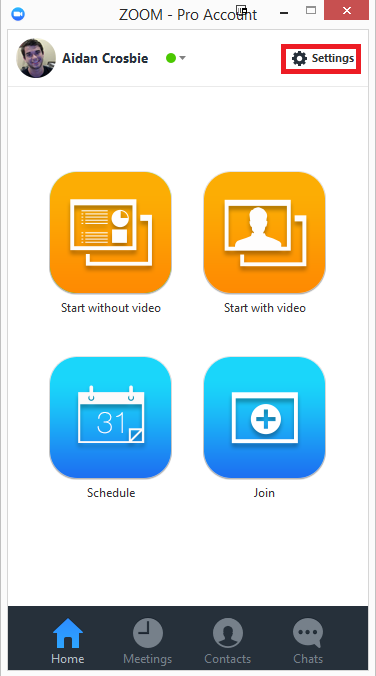
then Click on the "Video" tab to preview your camera or click on the drop-down arrow to choose a different camera.
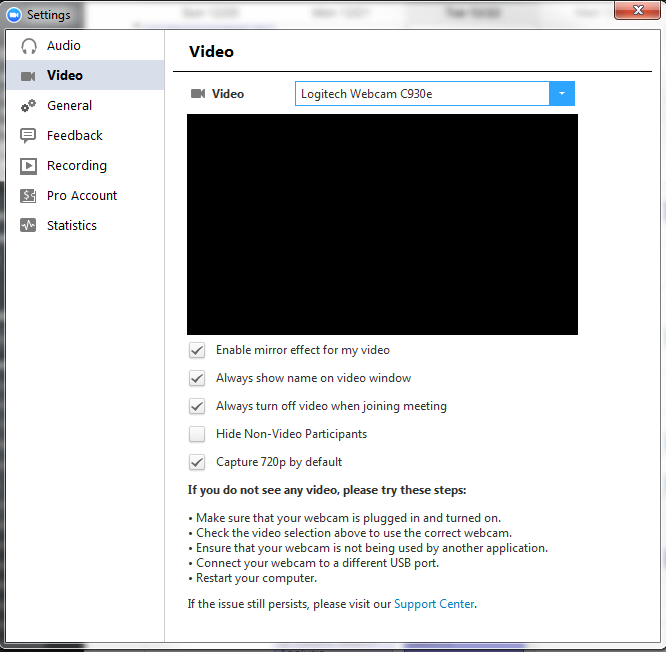
To test your video in meeting, please select Video Settings.
You can also -
.png)
Before or during a video meeting, click on "Settings" in the Zoom app menu,
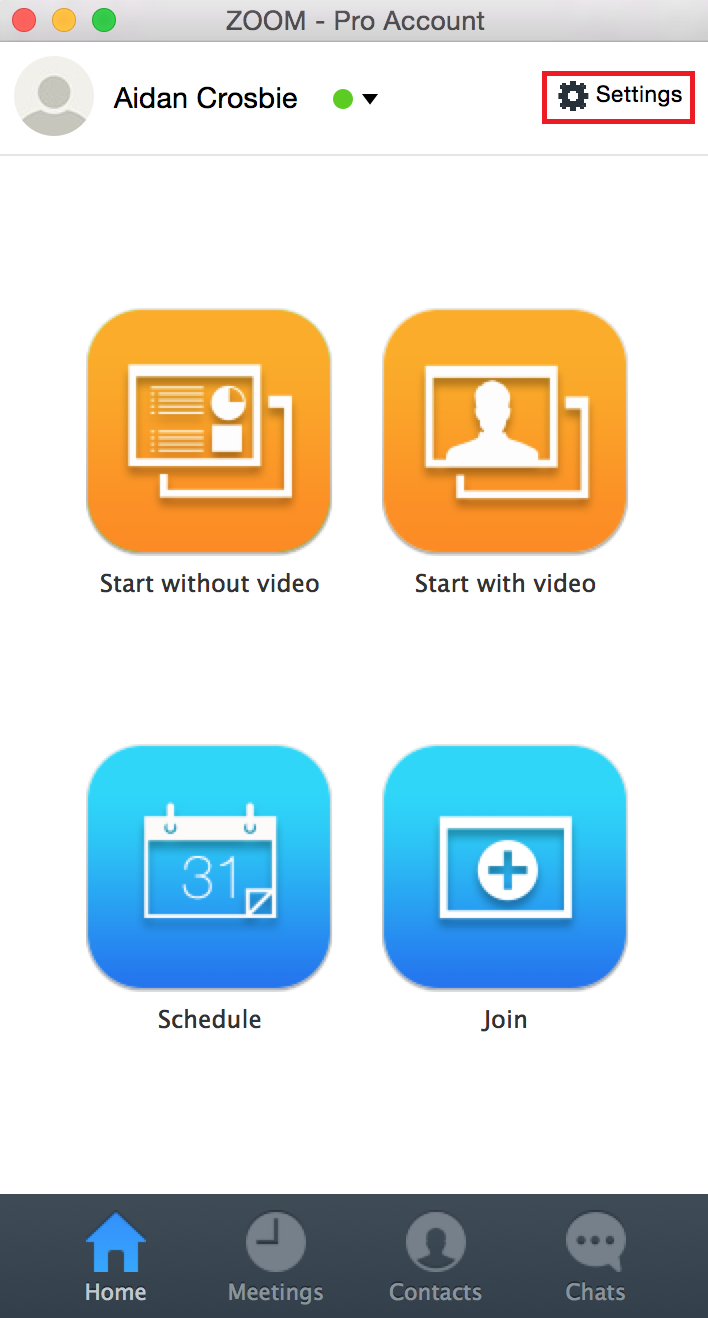
then Click on the "Video" tab to preview your camera or click on the drop-down arrow to choose a different camera.
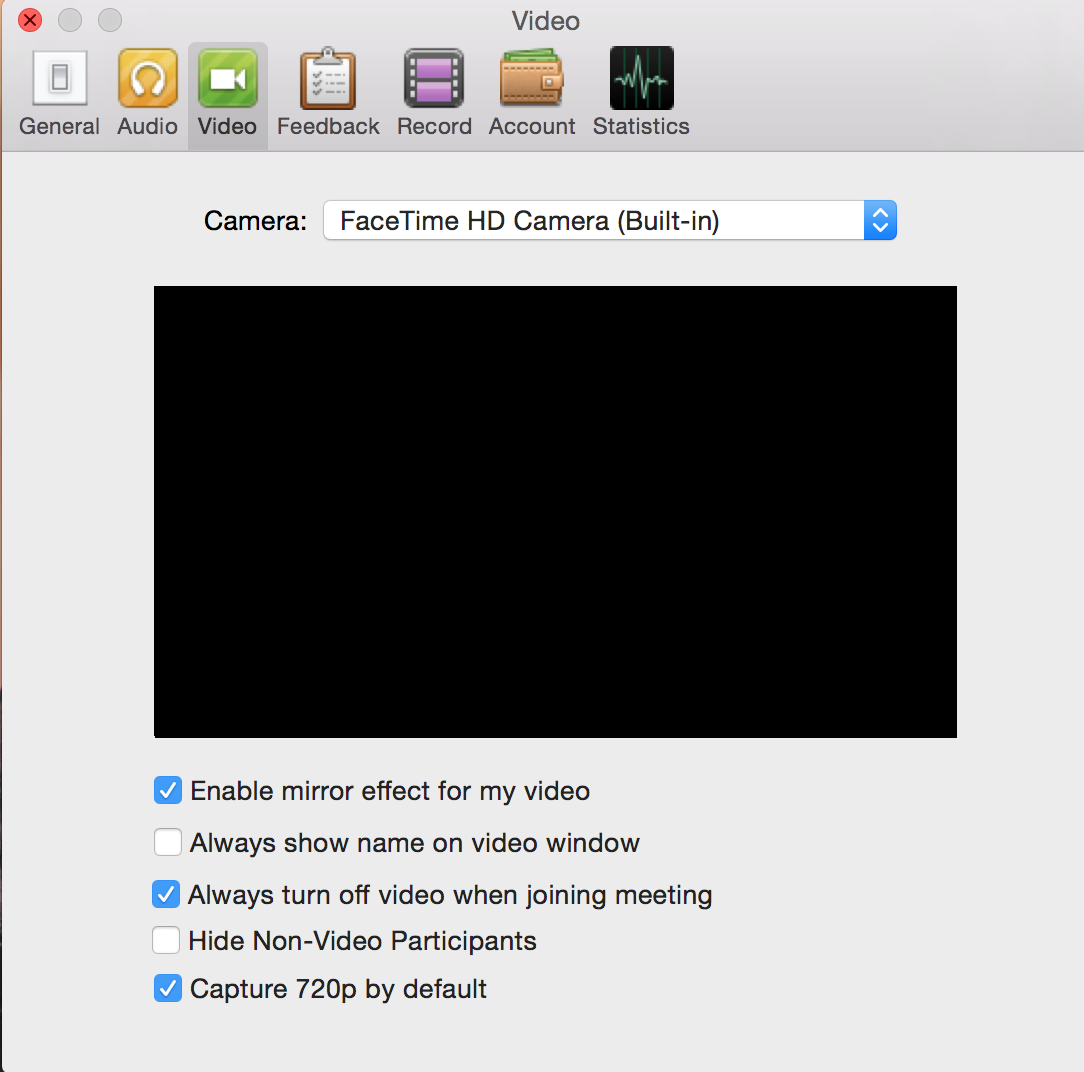
To test your video in meeting, please select Video Settings.
You can also -

25 FRJ Drive
Longview TX 75602
© 2024. TECH Team Advantage. All rights reserved.